
Start with a website template
Explore complete kits, inspect their pages and choose a design that fits your business, portfolio or next idea.
Browse AI website builder templatesStart with Solid. Shape every section, manage your pages,
and export a complete website.
Canvas editing. OpenAI chat. Compiled website export.
Loading latest templates…
Start with a design you love. Make it yours with visual controls and AI assistance, then preview your pages and explore export or publishing options.
Find your starting point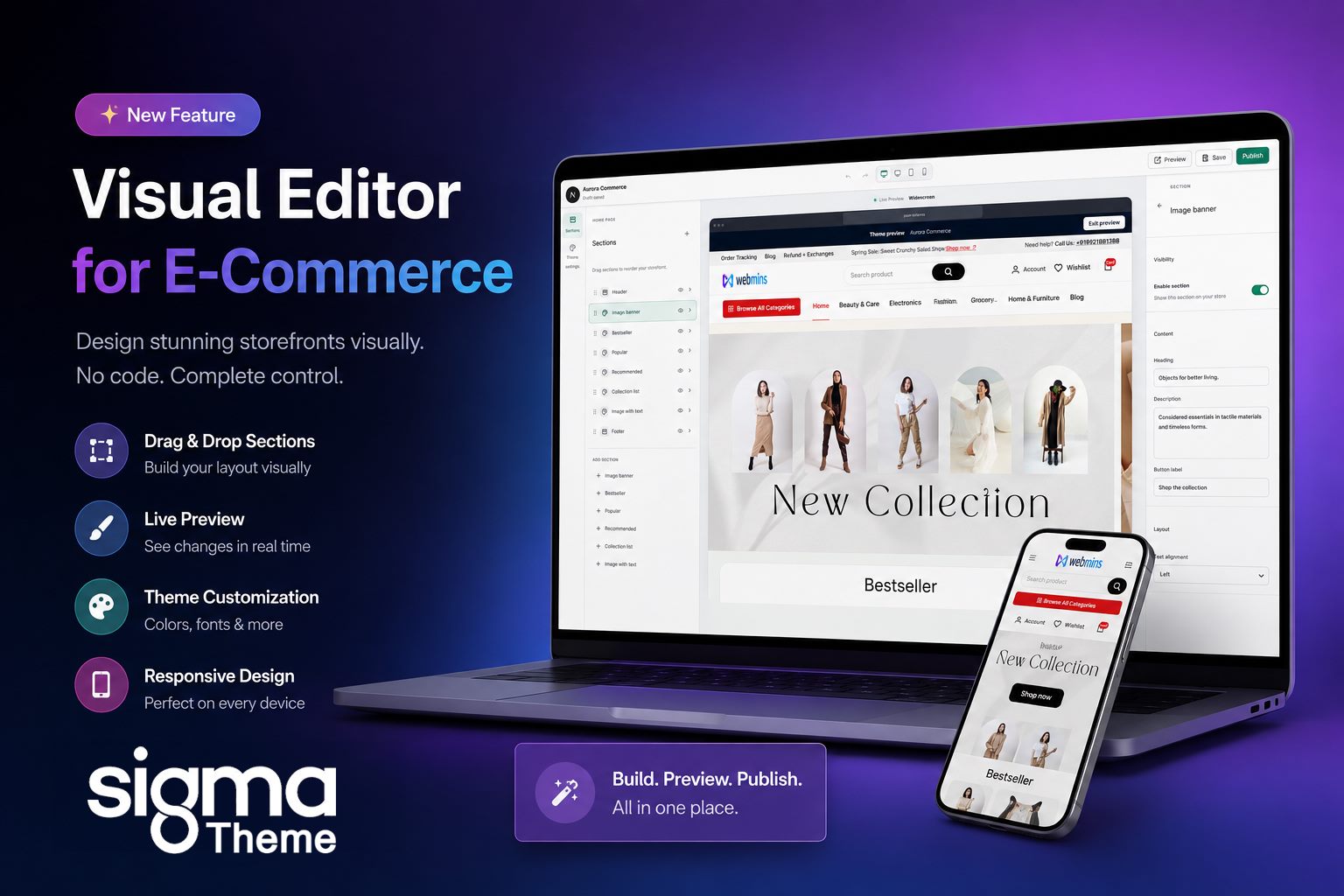
Explore complete kits, inspect their pages and choose a design that fits your business, portfolio or next idea.
Browse AI website builder templatesBring your storefront, catalog, orders and content together. Configure and test payments before you launch.
Explore the AI ecommerce website builderVerify your website domain, personalize your app branding and request an Android APK build.
Learn about the app builderYour starting point is a template.
Where it goes is up to you.
Find a template that fits your idea and sign in to create your project.
Customize pages, images and content. Connect an available AI provider to use generation features.
Check mobile and desktop layouts, test links and forms, and review download or publishing options.
Templates marked Free have no template purchase price. AI provider usage, hosting, domains and other services can have separate costs.
Follow a coding workflow with these tools or start with WebMins templates and visual editing. Provider API connections have separate setup and billing requirements.
Explore the guides below for the steps and differences.